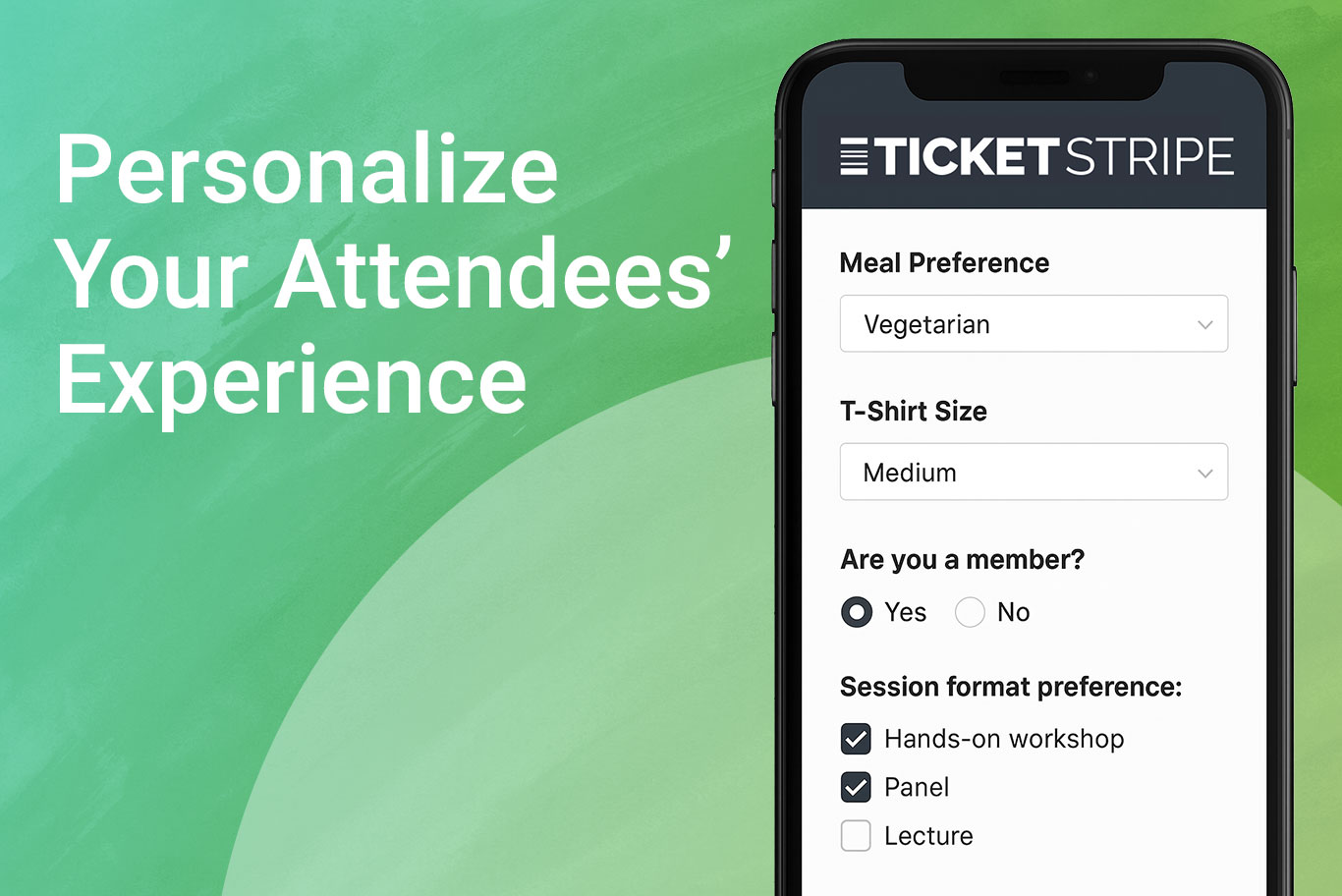
Today’s event attendees expect more than a generic registration process. They want tailored experiences, personalized agendas, customized meal options, and meaningful interactions that make them feel valued. With Ticketstripe’s custom fields, you can collect additional information from attendees during registration to deliver exactly what they’re looking for, while streamlining your event planning process.
What kind of additional information can I collect?
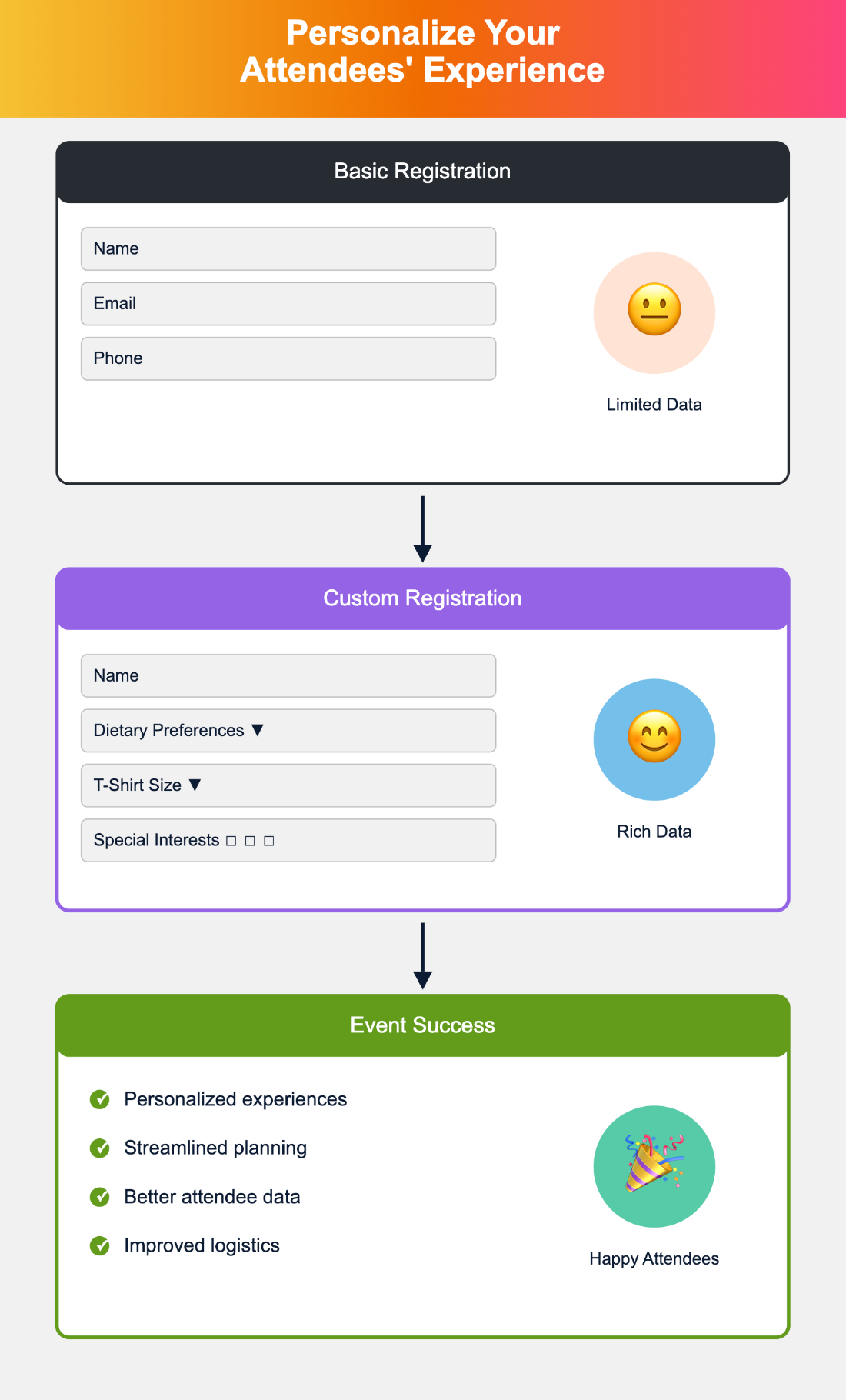
The simple answer? Anything you need. Ticketstripe’s custom registration forms let you gather essential details beyond name, email, and phone number. Whether you’re planning meal accommodations, collecting sizes, or organizing volunteer activities, custom fields transform your checkout process into a powerful data collection tool.
You can create various question types to match your needs:
- Text fields for open-ended responses
- Dropdowns for preset options
- Radio buttons for single selections
- Checkboxes for multiple choices
This flexibility means you can ask about dietary restrictions, t-shirt sizes, donor interests, or any other information crucial to your event’s success. The key is collecting exactly what you need without overwhelming your attendees.
Can I collect information for every attendee or just the buyer?
Yes, you can collect additional information from attendees in multiple ways. One of the biggest challenges event organizers face is gathering complete attendee data, especially for table and group tickets. Here’s how Ticketstripe solves this common problem.
By default, Ticketstripe collects information from the ticket buyer. But what if you need each attendee’s meal preference or contact information? You have complete control over who answers which questions. In the Order Form section, simply toggle from “Order” (buyer only) to “Attendee” (everyone) to collect information from each person attending.
For table and sponsor packages using Ticket Bundles, the process is even smoother. When buyers share tickets from their bundle purchase, recipients automatically see fields for their information. No extra setup required—just seamless data collection that happens naturally as tickets are claimed.
Want to be more selective? Assign custom questions to specific ticket types. Maybe only your VIP attendees need to specify their meal preferences, or perhaps volunteer information is only relevant for certain sponsor tickets. This targeted approach keeps your checkout process efficient while ensuring you get the details that matter.
How to collect additional information from donors?
Nonprofits can collect additional donor information that deepens supporter relationships and improves fundraising outcomes. Beyond basic contact details, understanding donor motivations and preferences helps create more meaningful connections.
Consider asking donors what initially connected them to your cause. This insight helps craft compelling stories that resonate with similar prospects. A children’s education nonprofit might ask, “Would you like information about our monthly giving program that sponsors a child’s after-school tutoring?” This gentle introduction to recurring giving feels natural within the donation process.
Preference questions like “Do you prefer email or physical mail for updates?” show respect for donor communication choices while improving engagement rates. Some supporters appreciate tangible newsletters they can share with family, while others prefer immediate digital updates. Honoring these preferences increases the likelihood that your messages will get read and acted upon.
Custom Terms, Waivers, and Policies
While Ticketstripe displays our Terms of Service, Privacy & Refund Policies at checkout, you can add event-specific requirements. Add your own refund policy, liability waivers, or disclaimers directly in the Order Form section of your Ticketstripe dashboard.
This feature proves invaluable for events with special terms. Adventure races need liability releases. Professional conferences might include recording permissions. Attendees must accept these terms to complete registration, providing legal protection while maintaining a smooth checkout experience.
Real Events, Real Results
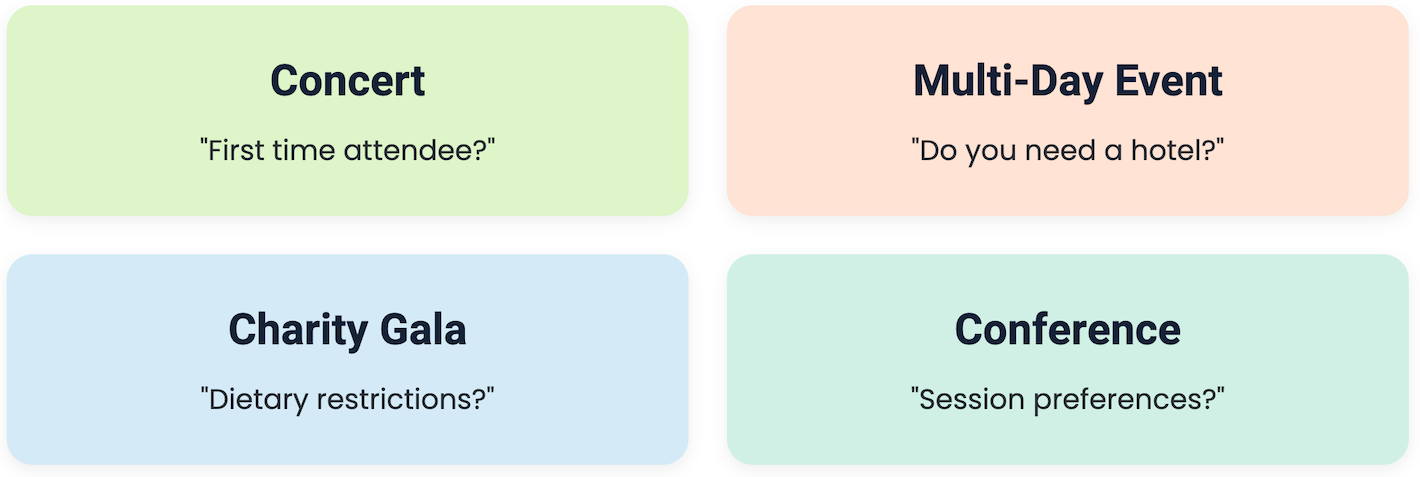
Let’s explore how various organizations use custom event registration to collect additional information from attendees and create memorable experiences.
Building Community: 10th Annual Benefit Concert
A nonprofit’s annual fundraiser demonstrates how two simple questions can strengthen supporter relationships and improve future events. During registration, they ask:
“Have you been to our concert before?” This Yes/No dropdown does double duty; it helps organizers recognize returning supporters during the event and tracks retention rates for reporting. Knowing who’s new versus who’s loyal helps tailor welcome messages and acknowledgments.
“What’s your favorite part of the benefit concert?” This open text field captures authentic feedback that shapes future programming. The responses also provide powerful testimonials for next year’s marketing materials. By asking this during the excitement of ticket purchase, they receive more enthusiastic and detailed responses than post-event surveys typically generate.
Managing Logistics: Historical Bicentennial Celebration
This historical society mastered both practical planning and volunteer recruitment through strategic questions:
Their “Do you need a hotel room?” radio button streamlines accommodation planning. With a simple Yes/No response, they can negotiate group rates and ensure out-of-town guests have convenient lodging options. This proactive approach prevents last-minute scrambles and shows attendees they care about the complete experience.
The clever “Would you like to participate in period clothing?” question transforms passive attendees into active participants. What starts as event registration becomes volunteer recruitment, building their roster of historical reenactors for future events. They also gather membership status and organizational affiliations, opening doors for partnerships and expanded networking.
Elevating Guest Experience: Charity Gala
Supporting Gold Star families requires attention to every detail, especially when hosting 200+ guests at a seated luncheon with keynote speaker Montel Williams. Their custom event registration questions ensure perfection:
Simple checkboxes for “Vegetarian?” and “Gluten Free?” ensure customized meals. With sponsorship levels ranging from $2,000 to $50,000, accommodating these preferences isn’t just courteous—it’s essential for donor satisfaction. The kitchen receives accurate counts weeks before the event, not frantically adjusted numbers the day before.
Their “Are you a member?” dropdown enables special recognition throughout the event. Members might receive preferred seating, exclusive reception invitations, or personal acknowledgments that strengthen their connection to the cause.
Custom Event Registration Best Practices
Keep it relevant and concise. Every additional field increases the chance of cart abandonment. Only ask for information you’ll actually use. If you’re not planning to send physical mail, skip the mailing address fields.
Order questions logically. Group related questions together. Place essential fields early and optional ones later. This natural flow reduces cognitive overload and improves completion rates.
Use the right field type. Dropdowns work great for preset options like meal choices. Text fields suit unique responses like accessibility needs. Radio buttons ensure single selections for either/or choices. Match the field to the expected response for easier analysis later.
Test before launching. Complete a test purchase to experience your custom fields as attendees will. Check that required fields are truly necessary and optional ones are clearly marked. Verify that field labels are clear and concise.
Plan for data use. Before adding a custom field, know how you’ll use the collected information. Will dietary restrictions go directly to catering? Do volunteer interests feed into your recruitment database? Having a plan ensures valuable data doesn’t sit unused.
Transform Your Next Event with Personalized Registration
A custom event order form represents more than data collection; it’s your opportunity to show attendees you care about their individual needs and preferences. Whether you’re accommodating dietary restrictions, collecting session interests, collecting sizes, or building donor relationships, the right questions at the right time create connections that last beyond your event.
Start small with one or two strategic questions. As you see the value in personalized data collection, expand your use of custom fields to enhance every aspect of your event planning and attendee experience. Your guests will appreciate the attention to detail, and you’ll appreciate the streamlined planning process that follows.
Ready to collect additional information from attendees? Ticketstripe makes it simple to add fields, collect responses, and export data for seamless event execution. Because when you know your attendees better, you can serve them better, and that’s what memorable events are all about.
